This is the first article in a practical series on Microsoft Foundry — the unified Azure platform for AI applications. Over the next ~10 posts we will explore its features hands-on, from basic model calls all the way to RAG, content safety, fine-tuning and CI/CD.
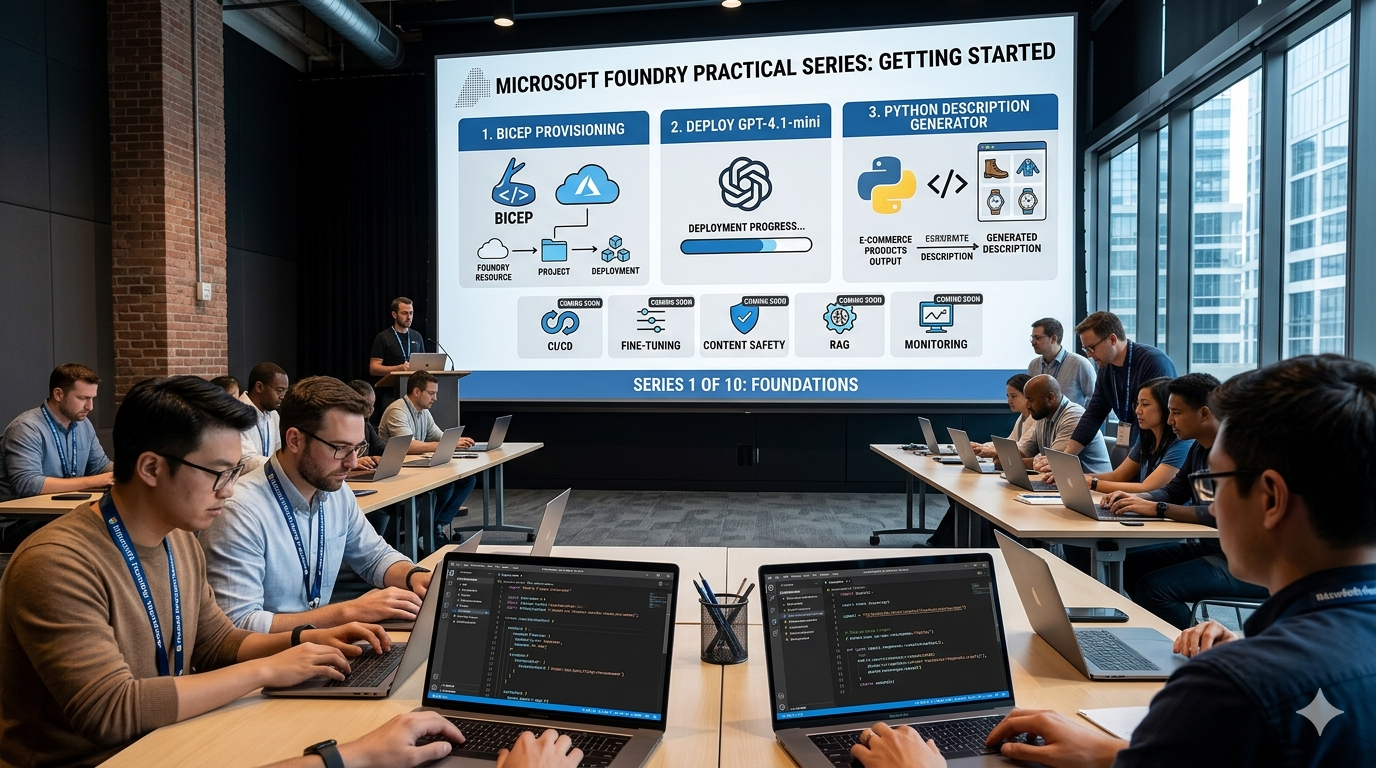
In this episode we will:
- Provision Microsoft Foundry resources with Bicep
- Deploy a GPT-4.1 mini model
- Build a tiny Python backend that generates e-commerce product descriptions
All code samples from this series are available in this repository (coming soon).
What is Microsoft Foundry? #
Microsoft Foundry (the evolution of Azure AI Studio / Azure AI Foundry) consolidates agents, models and tools under a single Azure resource provider. The key concepts we care about today:
| Concept | Description |
|---|---|
| Foundry resource | Top-level Azure resource (Microsoft.CognitiveServices/accounts, kind AIServices) |
| Project | A workspace inside a Foundry resource where you deploy models and build apps |
| Model deployment | A GPT (or other) model deployed and ready to serve requests |
Prerequisites #
- An Azure subscription — free trial works
- Azure CLI (v2.67+)
- Bicep CLI (ships with Azure CLI)
- Python 3.10+
Provision infrastructure with Bicep #
We need three resources: a Foundry resource, a project inside it, and a GPT model deployment.
main.bicep #
 1targetScope = 'resourceGroup'
 2
 3@description('Base name used for all resources')
 4param baseName string = 'foundry-demo'
 5
 6@description('Azure region')
 7param location string = resourceGroup().location
 8
 9@description('Model to deploy')
10param modelName string = 'gpt-4.1-mini'
11
12@description('Model version')
13param modelVersion string = '2025-04-14'
14
15@description('Capacity in thousands of tokens per minute')
16param modelCapacity int = 10
17
18// ──────────────────────────────────────────────
19// Foundry resource (Cognitive Services account)
20// ──────────────────────────────────────────────
21resource foundry 'Microsoft.CognitiveServices/accounts@2025-04-01-preview' = {
22  name: '${baseName}-ai'
23  location: location
24  kind: 'AIServices'
25  sku: {
26    name: 'S0'
27  }
28  identity: {
29    type: 'SystemAssigned'
30  }
31  properties: {
32    customSubDomainName: '${baseName}-ai'
33    allowProjectManagement: true
34    publicNetworkAccess: 'Enabled'
35  }
36}
37
38// ──────────────────────────────────────────────
39// Project
40// ──────────────────────────────────────────────
41resource project 'Microsoft.CognitiveServices/accounts/projects@2025-04-01-preview' = {
42  parent: foundry
43  name: '${baseName}-project'
44  location: location
45  properties: {}
46}
47
48// ──────────────────────────────────────────────
49// Model deployment
50// ──────────────────────────────────────────────
51resource deployment 'Microsoft.CognitiveServices/accounts/deployments@2025-04-01-preview' = {
52  parent: foundry
53  name: modelName
54  sku: {
55    name: 'Standard'
56    capacity: modelCapacity
57  }
58  properties: {
59    model: {
60      name: modelName
61      format: 'OpenAI'
62      version: modelVersion
63    }
64  }
65}
66
67// ──────────────────────────────────────────────
68// Outputs
69// ──────────────────────────────────────────────
70output projectEndpoint string = 'https://${foundry.properties.customSubDomainName}.ai.azure.com/api/projects/${project.name}'
71output resourceName string = foundry.name
72output deploymentName string = deployment.name
Deploy #
 1# Create a resource group
 2az group create --name rg-foundry-demo --location eastus
 3
 4# Deploy the Bicep template
 5az deployment group create \
 6  --resource-group rg-foundry-demo \
 7  --template-file main.bicep
 8
 9# Grab the project endpoint for later
10PROJECT_ENDPOINT=$(az deployment group show \
11  --resource-group rg-foundry-demo \
12  --name main \
13  --query properties.outputs.projectEndpoint.value -o tsv)
14
15echo $PROJECT_ENDPOINT
After a minute or two you should see provisioningState: Succeeded. Note the project endpoint — we’ll need it in Python.
Build the product description generator #
Set up the Python project #
1mkdir foundry-product-descriptions && cd foundry-product-descriptions
2python -m venv .venv
3source .venv/bin/activate
4pip install azure-ai-projects>=2.0.0 azure-identity python-dotenv
Create a .env file (do not commit this):
PROJECT_ENDPOINT=https://foundry-demo-ai.ai.azure.com/api/projects/foundry-demo-project
MODEL_NAME=gpt-4.1-mini
main.py #
 1import os
 2import json
 3from dotenv import load_dotenv
 4from azure.identity import DefaultAzureCredential
 5from azure.ai.projects import AIProjectClient
 6
 7load_dotenv()
 8
 9PROJECT_ENDPOINT = os.environ["PROJECT_ENDPOINT"]
10MODEL_NAME = os.environ["MODEL_NAME"]
11
12# Authenticate and create clients
13project = AIProjectClient(
14    endpoint=PROJECT_ENDPOINT,
15    credential=DefaultAzureCredential(),
16)
17openai = project.get_openai_client()
18
19SYSTEM_PROMPT = """You are an expert e-commerce copywriter.
20Given a product name and a list of attributes, generate a compelling product
21description (2-3 sentences) that highlights key benefits and appeals to buyers.
22Return valid JSON with keys: "title", "description", "tags"."""
23
24
25def generate_description(product_name: str, attributes: dict) -> dict:
26    """Call GPT to generate a product description."""
27    user_input = (
28        f"Product: {product_name}\n"
29        f"Attributes: {json.dumps(attributes)}"
30    )
31
32    response = openai.responses.create(
33        model=MODEL_NAME,
34        instructions=SYSTEM_PROMPT,
35        input=user_input,
36    )
37
38    return json.loads(response.output_text)
39
40
41if __name__ == "__main__":
42    # Example product
43    result = generate_description(
44        product_name="TrailBlazer Pro Hiking Boots",
45        attributes={
46            "material": "Full-grain leather + Gore-Tex lining",
47            "sole": "Vibram Megagrip",
48            "weight": "620g per boot",
49            "waterproof": True,
50            "colors": ["Earth Brown", "Charcoal"],
51        },
52    )
53
54    print(json.dumps(result, indent=2))
Run it #
Make sure you are signed in (az login), then:
1python main.py
Example output:
1{
2  "title": "TrailBlazer Pro Hiking Boots",
3  "description": "Conquer any trail with the TrailBlazer Pro — built from full-grain leather with a waterproof Gore-Tex lining to keep your feet dry in any weather. The Vibram Megagrip sole delivers superior traction on wet rock and loose gravel, while the lightweight 620 g design means less fatigue on long summit days.",
4  "tags": ["hiking", "waterproof", "leather", "Gore-Tex", "Vibram"]
5}
What just happened? #
Let’s recap the moving parts:
 1┌──────────────────────────────────────────┐
 2│  Your Python app                         │
 3│  azure-ai-projects SDK (v2.x)            │
 4│  DefaultAzureCredential (az login)       │
 5└─────────────┬────────────────────────────┘
 6              │ HTTPS
 7              ▼
 8┌──────────────────────────────────────────┐
 9│  Microsoft Foundry                       │
10│  ┌────────────────────────────────┐      │
11│  │ Project: foundry-demo-project  │      │
12│  │  └─ Deployment: gpt-4.1-mini   │      │
13│  └────────────────────────────────┘      │
14└──────────────────────────────────────────┘
The SDK handles token management, retries and the OpenAI-compatible API surface — you write standard OpenAI-style code, but everything runs on Azure with enterprise auth (Entra ID), networking and governance.
Clean up #
If you are done experimenting:
1az group delete --name rg-foundry-demo --yes --no-wait
What’s next? #
In Part 2 we will go deeper into Bicep for Foundry — networking, private endpoints, RBAC, and reusable modules — so you can provision production-grade AI infrastructure as code.
Full series outline #
| # | Topic |
|---|---|
| 1 | Getting started — Provision with Bicep, deploy GPT, generate descriptions (this post) |
| 2 | Bicep deep dive — networking, RBAC, deployment types, region selection |
| 3 | Foundry model catalog — comparing GPT-4.1, GPT-5, open-weight models and when to use what |
| 4 | Foundry services overview — agents, Responses API, tools, memory and real-world use cases |
| 5 | Prompt engineering and structured JSON output for product descriptions |
| 6 | Building the Python API — FastAPI backend with Foundry SDK |
| 7 | Adding a database — product catalog with PostgreSQL and RAG via Azure AI Search |
| 8 | Content safety, guardrails and Responsible AI |
| 9 | Building the Vue.js frontend — a full-stack product description generator |
| 10 | CI/CD with GitLab, cost optimization and monitoring |
Stay tuned!